Version 1.0.0 · Windows 10 & 11 · Offline
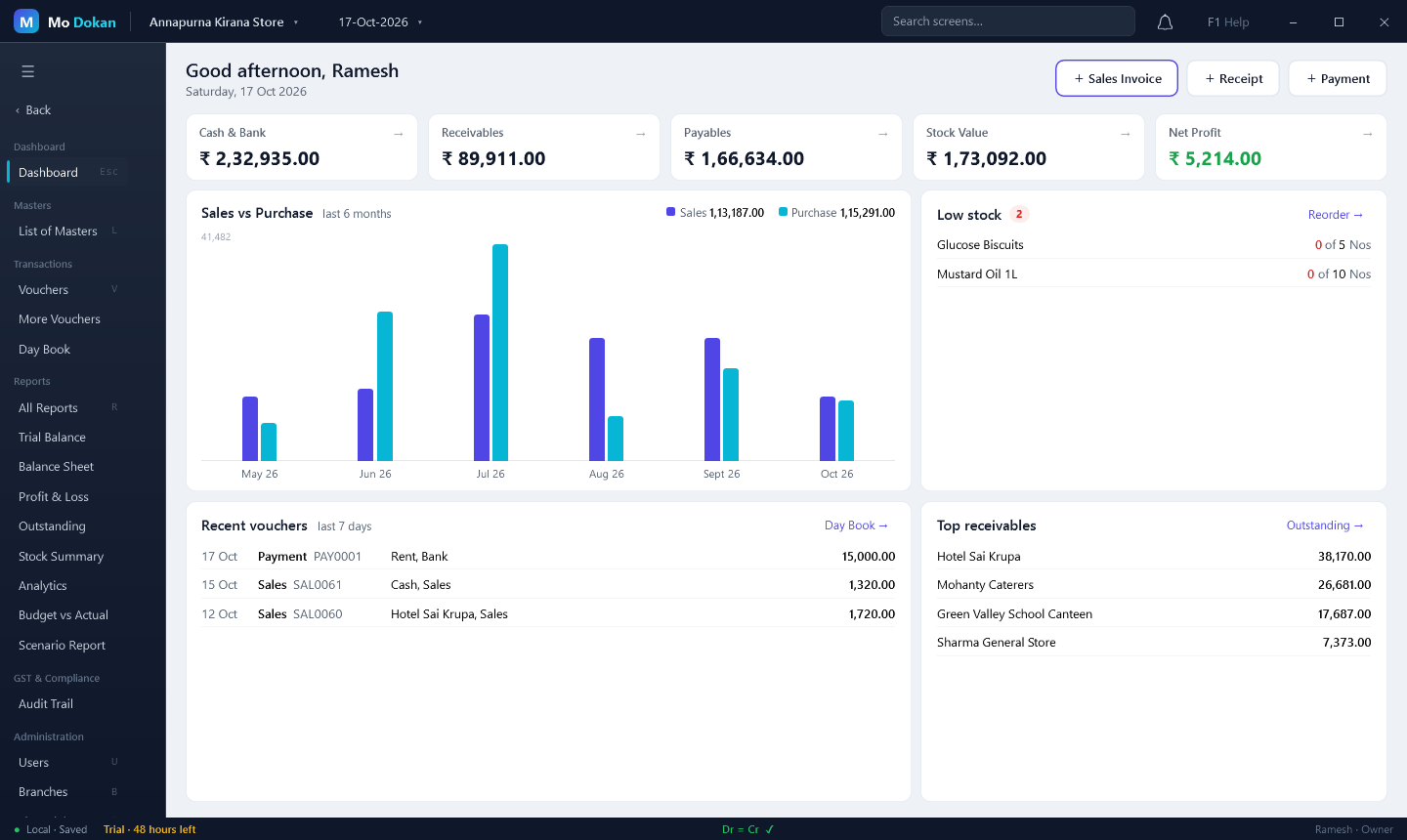
Billing, stock, the books and GST returns in one fast desktop app. Made for the keyboard, works without the internet, and your figures never leave the shop.
| Vch | Particulars | Amount |
|---|---|---|
| Sales | Cash · Basmati Rice 20 kg | 3,253.00 |
| Rcpt | Hotel Sai Krupa | 5,000.00 |
| Purc | Patel Wholesale Grains | 12,400.00 |
| Pymt | Shop rent, October | 15,000.00 |
| Dr 35,653.00 = Cr 35,653.00 | Dr = Cr ✓ | |
If you have used a khata or Tally, you already know where things are. The keys are on the right.
| No. | Work | Keys |
|---|---|---|
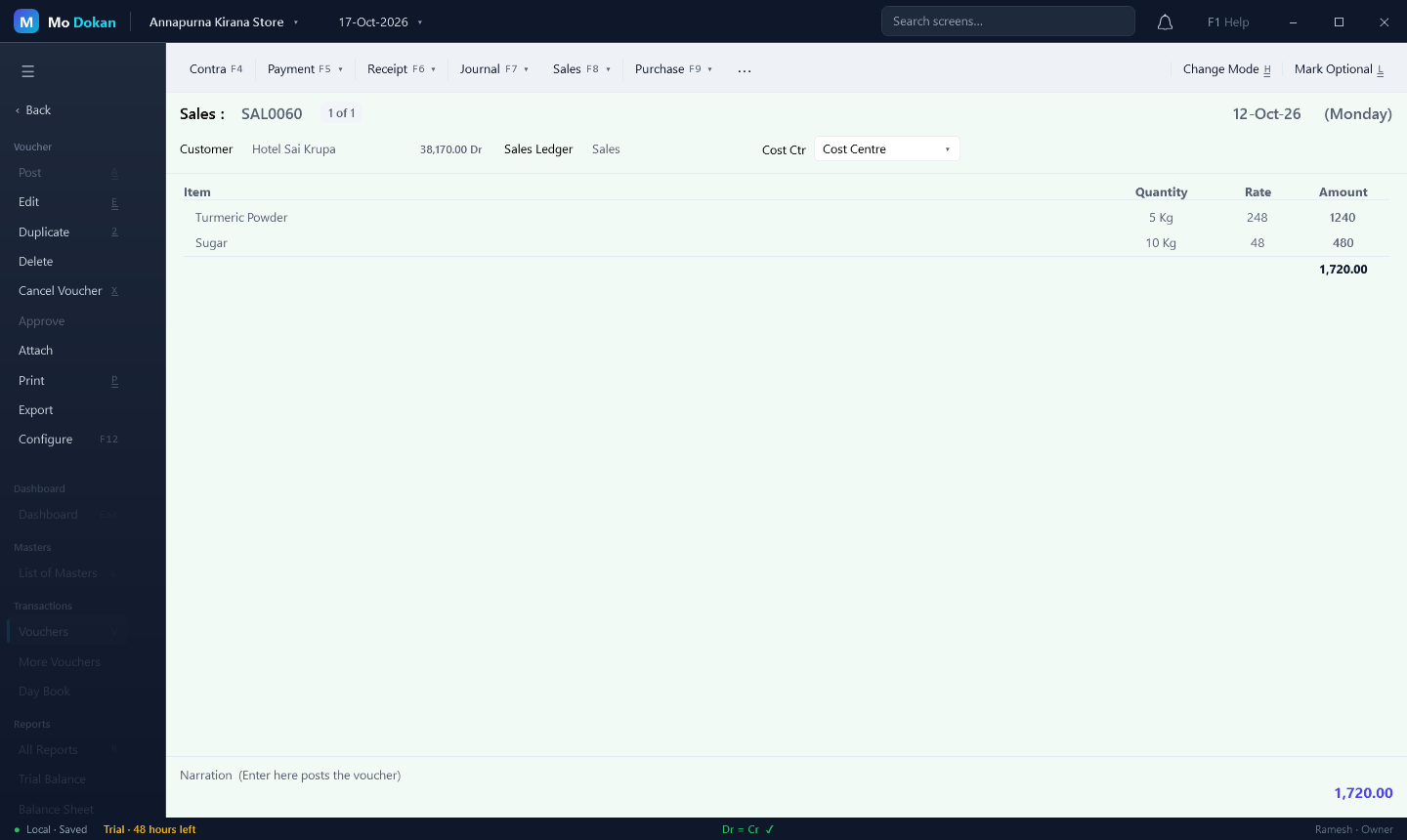
| 01 | Sales and purchase billsPick the party, type the items; quantity, rate, tax and total fill in as you go. The party's balance shows while you bill. | F8F9 |
| 02 | Money in, money outReceipts and payments against bills, with ageing of what customers owe you and what you owe suppliers. | F6F5 |
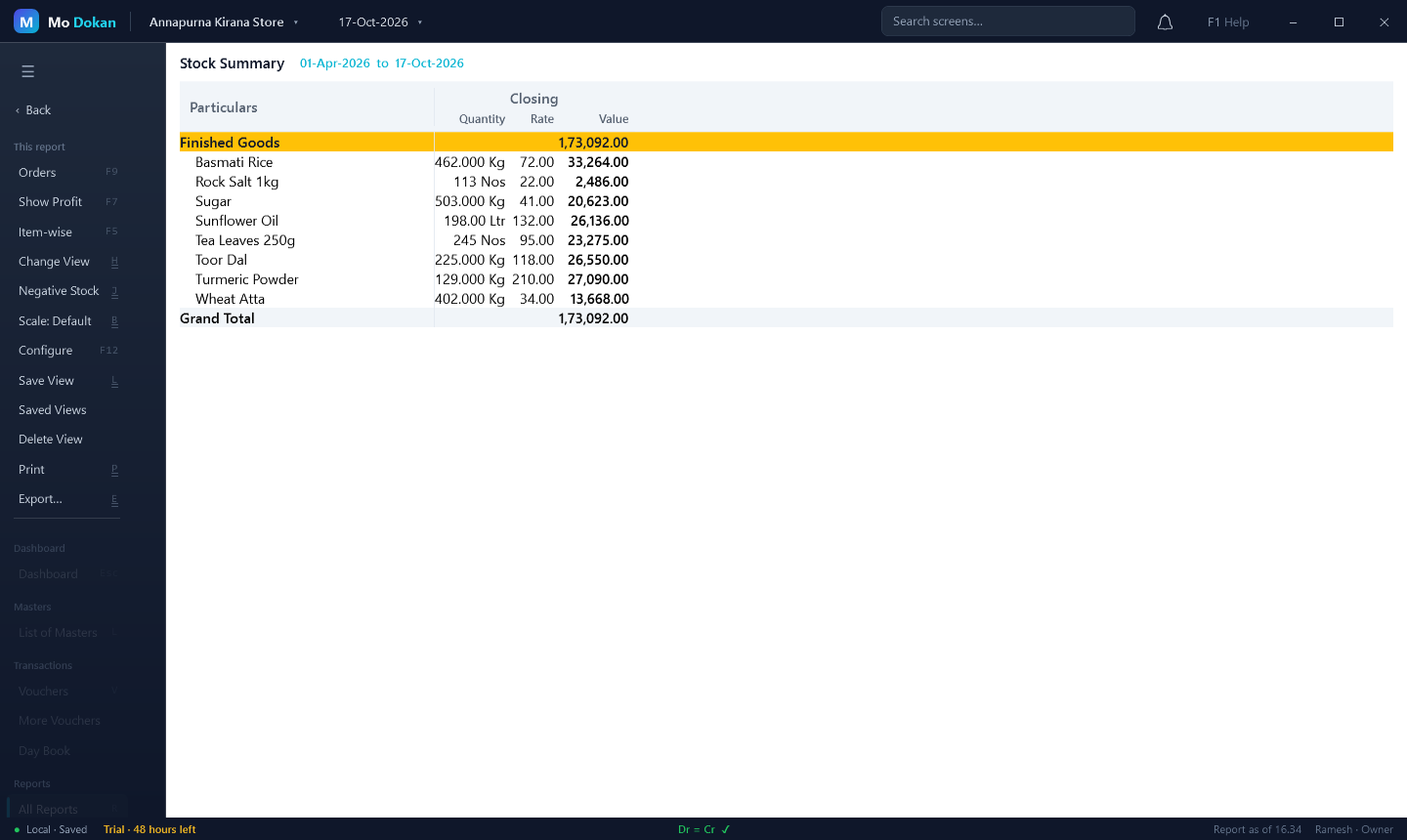
| 03 | Stock that counts itselfGodowns, batches and expiry, units and pack sizes, reorder levels, stock journal and manufacturing. FIFO or average value. | Inventory menu |
| 04 | GST without the headacheCGST, SGST and IGST split on every bill, HSN summary, GSTR-1 and GSTR-3B files for the portal, e-Invoice with IRN and QR on the print. | GST menu |
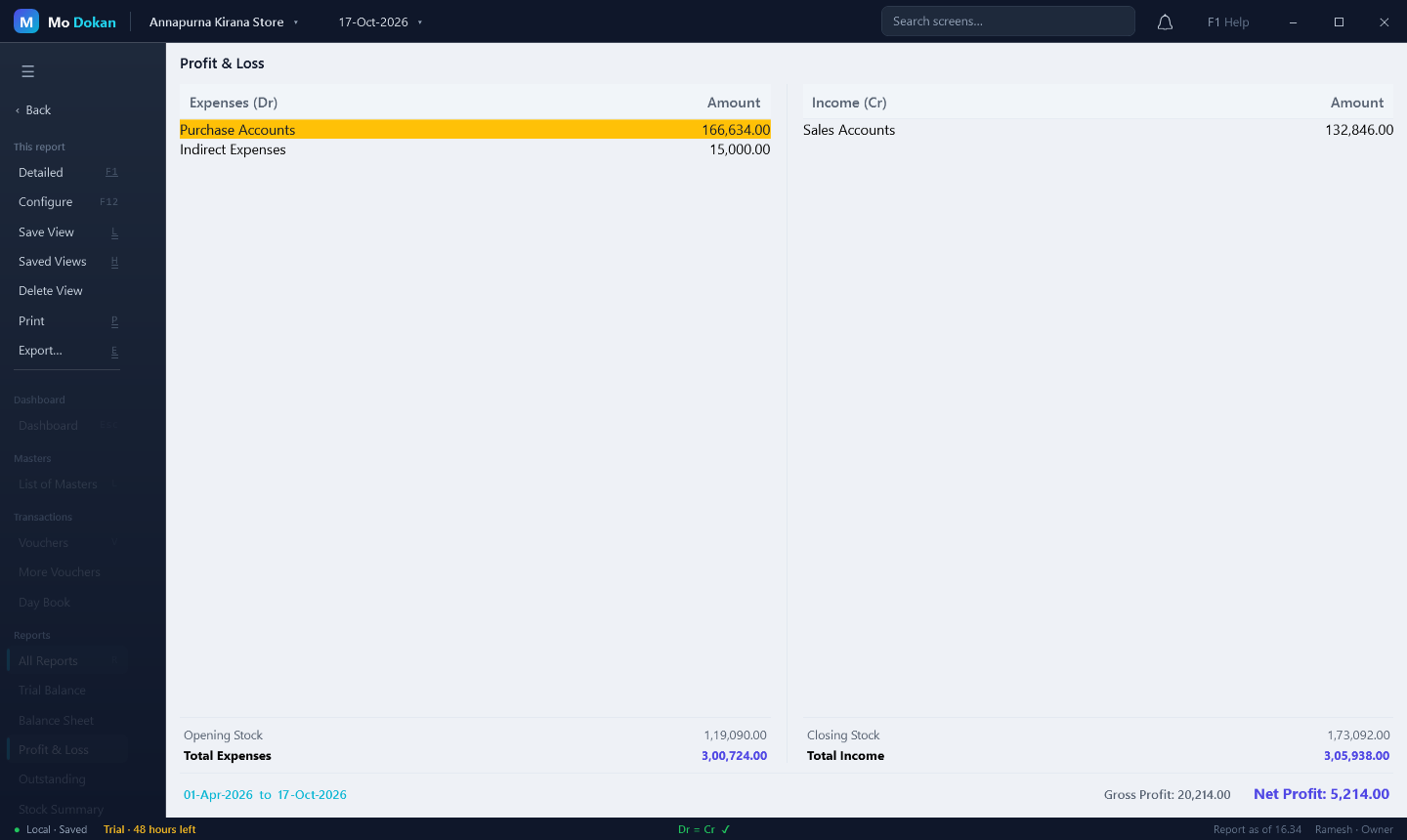
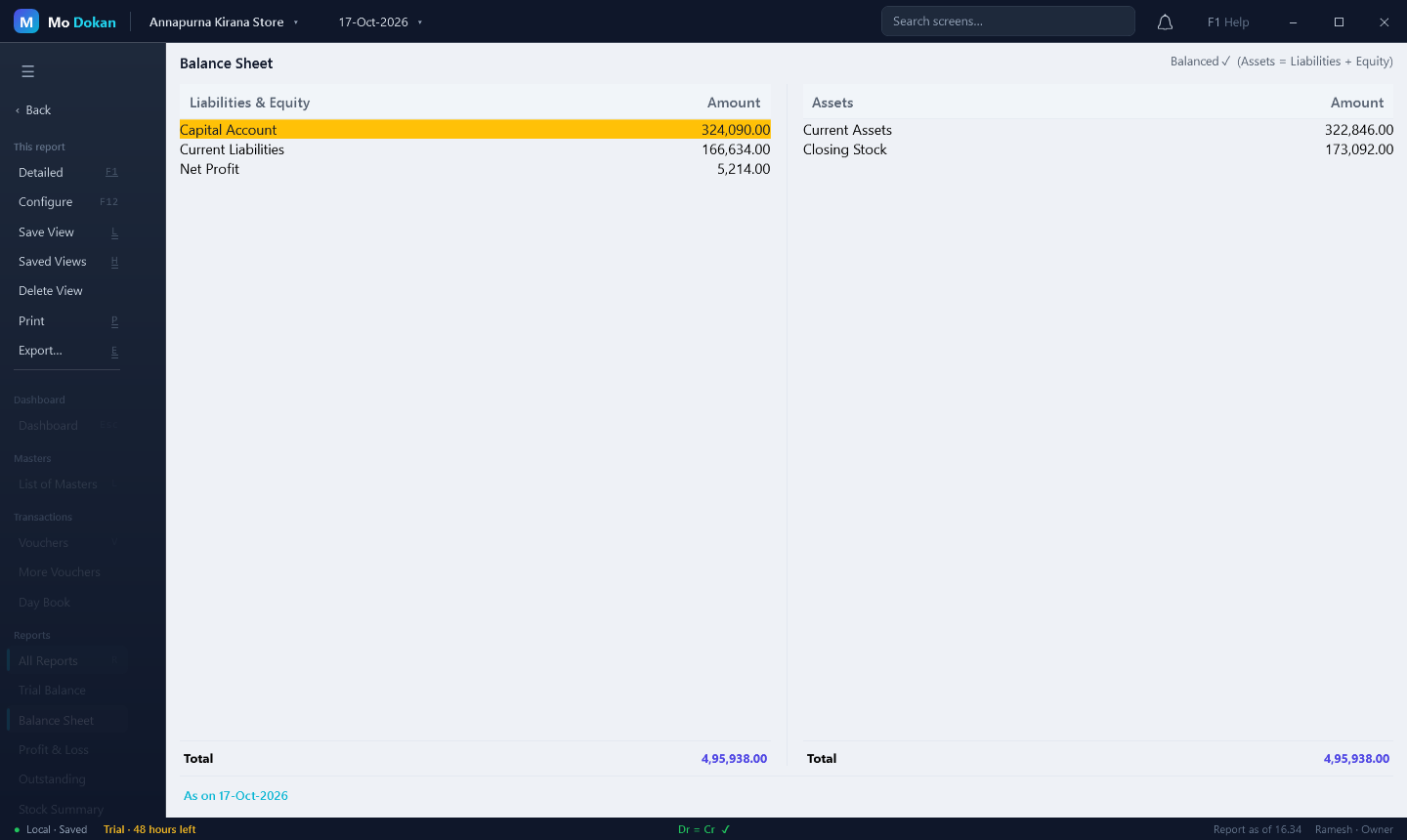
| 05 | The books, always balancedBalance Sheet, Profit & Loss, Trial Balance, Day Book, ledgers and cash flow — open any figure down to the bill behind it. | EnterEsc |
| 06 | Make a missing ledger or item on the spotCustomer not in the list? Create it from inside the bill and carry on — no going back to the menus. | AltC |
| 07 | Save and start the nextOne key saves the bill and opens a fresh one; Page Up looks back at earlier bills. | CtrlA |
| 08 | Stock on your phoneThe Mo Dokan Stock app shows item quantities and today's low stock, and alerts you when an item runs low or comes back. | Android |
Every company lives on your own PC. Nothing is uploaded unless you turn on the phone app — and even then only item names and quantities, locked so nobody else can read them.
A working copy every few hours, one on closing, and a full check after a power cut.
Set a data password and the company file is fully encrypted on the disk.
Owner, accountant, data entry and view-only users, and a record of every change.
Try every feature free for 48 hours. Then pick a plan; the licence works offline, and your books are never locked away from you.
Run it. Windows asks once because the program is new — the install guide shows what to click.
Click Start 48-hour free trial, make your company and enter the first bill.
No. It runs fully offline on your computer. Internet is only needed to download it (and for the optional phone app).
On your own PC, in your user folder (%LOCALAPPDATA%\MoDokan), with automatic backups. Uninstalling the app does not delete it.
Google only scans files smaller than 100 MB, and the setup is a little bigger. Click Download anyway. To be sure the file is genuine, compare its fingerprint with the one on the download page.
Yes. Windows shows this for new programs from small publishers without a paid certificate. Click More info → Run anyway. The install guide shows how to check the file is genuine.
In Mo Dokan, open Licence (or click the trial notice at the bottom of the window), choose a plan and click Send with Gmail — the email is written for you, with your computer's code. We email the licence file back; double-click it and Mo Dokan activates it.
Your companies stay safe and readable. To keep entering bills, activate a licence.
Download the new setup and run it. It replaces the program and keeps your companies and licence; each company is backed up before it is upgraded.
Yes. Turn on Stock App in Mo Dokan, add a phone user and install Mo Dokan Stock on Android. It shows quantities and low stock, and alerts you when an item runs low.
Windows 10 and Windows 11, 64-bit. About 500 MB of disk space.
We reply to every message. Tell us your shop and what you sell.
| Trial | 48 hours, every feature | ₹0.00 |
| Data | Stays on your PC | 100% |
| Balance | Download → | |
 Mo
Mo