 Mo
Mo Help › Inventory
Stock Journal and physical stock
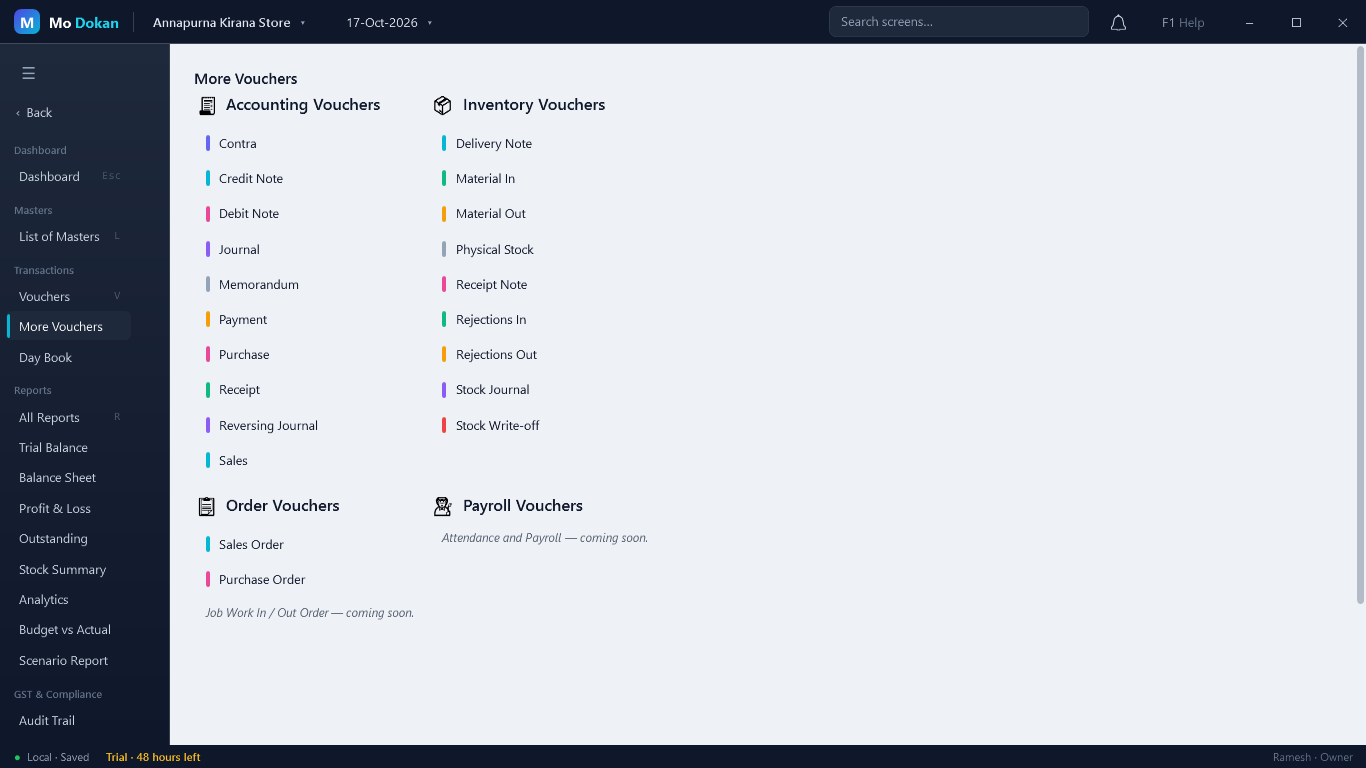
These vouchers move stock without a sale or purchase. Find them under More Vouchers → Inventory Vouchers. A type you have not used yet asks once to be switched on.
Move stock between godowns
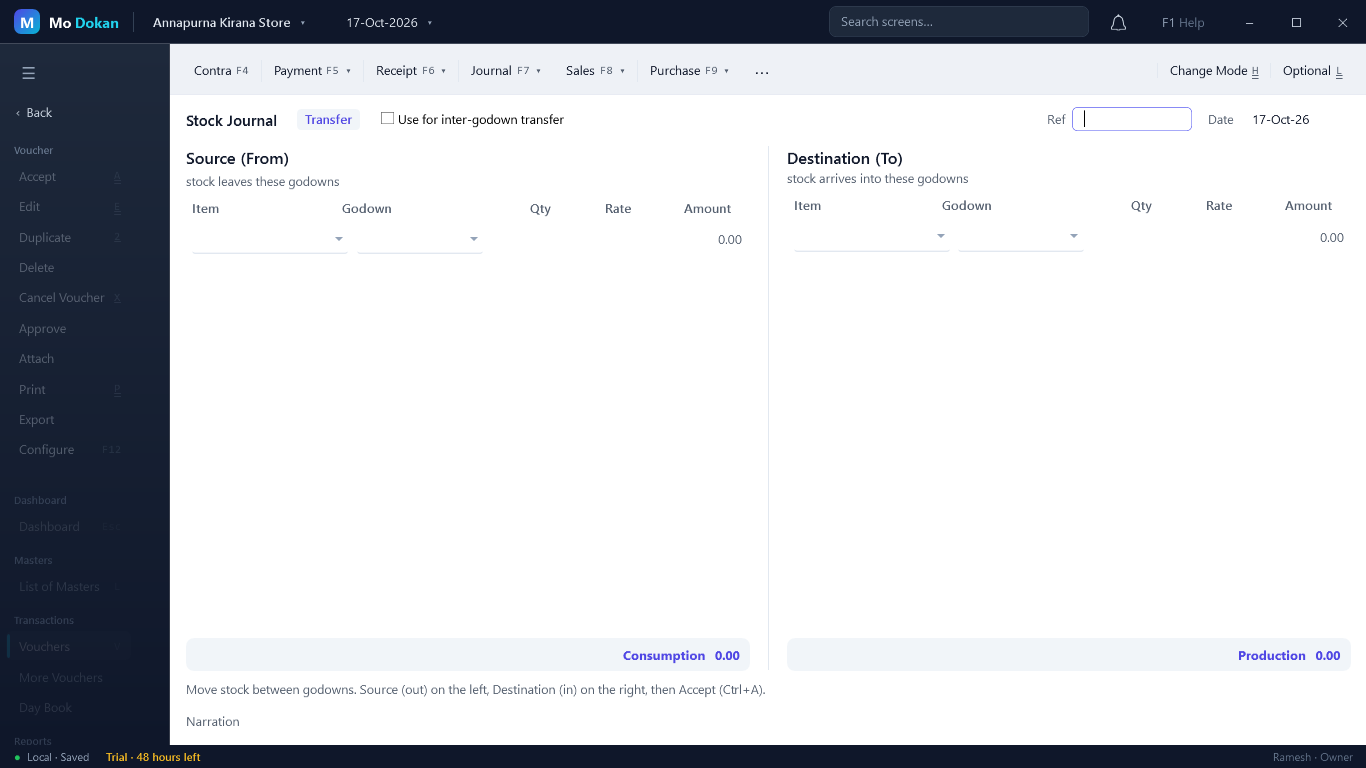
- More Vouchers → Stock Journal. It opens in Transfer mode.
- Tick Use for inter-godown transfer for a simple move: choose the item, the godown it leaves and the godown it goes to.
- Otherwise fill Source (From) on the left and Destination (To) on the right — item, godown, quantity, rate.
- Ctrl+A.
Manufacturing
Making one item from others — packing loose rice into 5 Kg bags, mixing spices. Turn on Bill of Materials in Company Features.
- On the finished item, More Details → Set Components (BoM): each component and the quantity used per unit made.
- Open a Stock Journal and switch to Manufacturing (Ctrl+H).
- Put the finished item and quantity under Destination, then Fill from BOM — the components and quantities consumed fill in under Source (Consumption).
- Add any Additional Cost of Manufacture (labour, packing) with its cost ledger, then Compute Production Cost. The finished item takes the cost of its components plus these costs.
- Ctrl+A.
Physical stock count
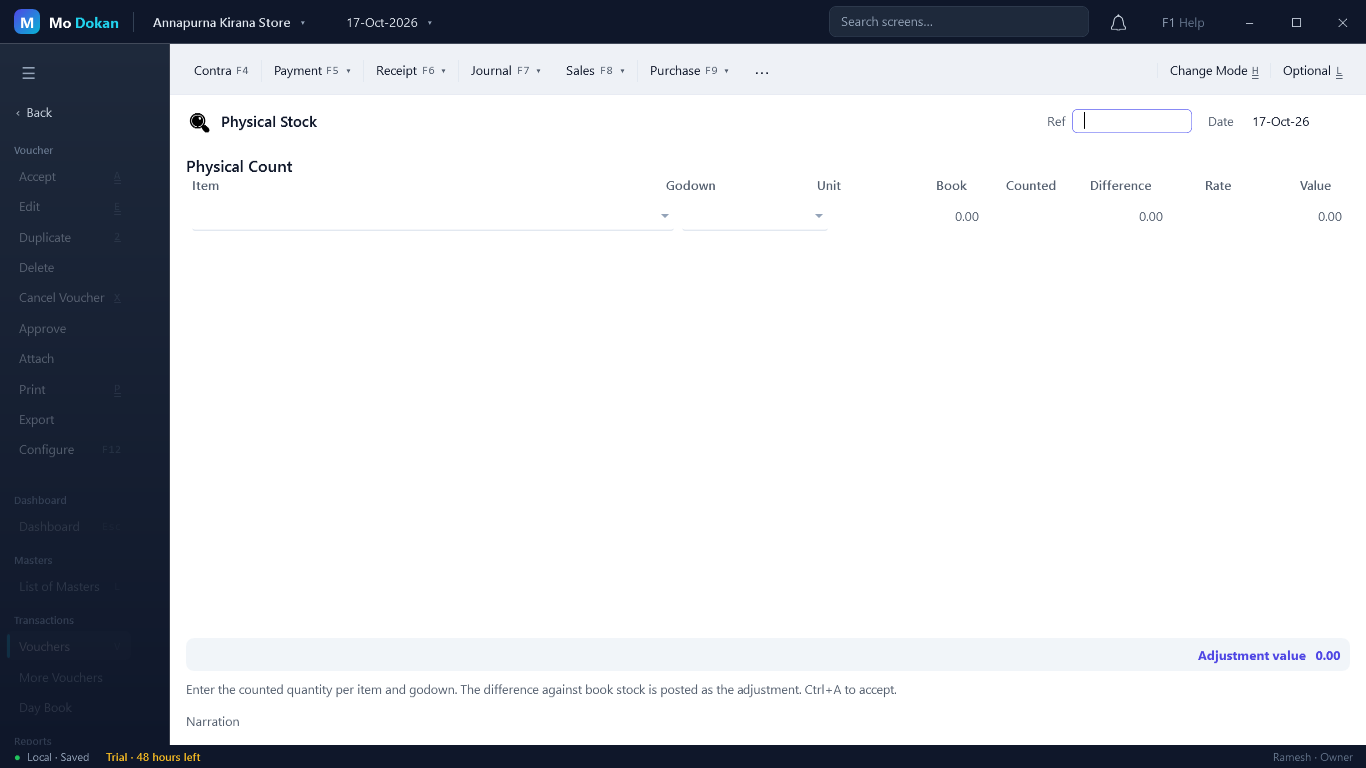
- More Vouchers → Physical Stock, with the counting date.
- For each item (and godown), type the Counted quantity. Book shows what the books say and Difference the gap.
- Ctrl+A. The books are adjusted to the count from that date.
Stock Write-off
For goods damaged, expired or lost: More Vouchers → Stock Write-off. The stock goes down and the loss shows as lower gross profit; serial numbers written off are marked Scrapped.
RuleAn inventory voucher needs at least one stock line, and every line a quantity.