Mo
Mo GST on items and ledgers
An invoice’s GST comes from two places: the item (its HSN and rate) and the party (its GSTIN and state).
On stock items
On the item: GST Applicable, HSN / SAC Code, GST Rate %, Taxability and Compensation Cess %.
- Rate changes over time: + Add rate change under GST Rate History — the new rate and the date it starts. Invoices before that date keep the old rate.
- From the group: an item without its own rate takes the GST defaults of its stock group.
- More Details: type of supply, input tax credit eligibility, GST on MRP, reverse charge.
On customers and suppliers
On a party ledger: GSTIN and, under More Details, Registration Type (regular, composition, unregistered, consumer, SEZ…) and State (place of supply). The state decides local or inter-state tax.
Tax ledgers
You do not need to create CGST, SGST or IGST ledgers. The first GST invoice creates them under Duties & Taxes: Output CGST, Output SGST, Output IGST, Output Cess for sales, Input CGST, Input SGST, Input IGST, Input Cess for purchases, and separate (RCM) ledgers for reverse charge. Each is marked with its tax head, so the returns find it whatever you rename it to.
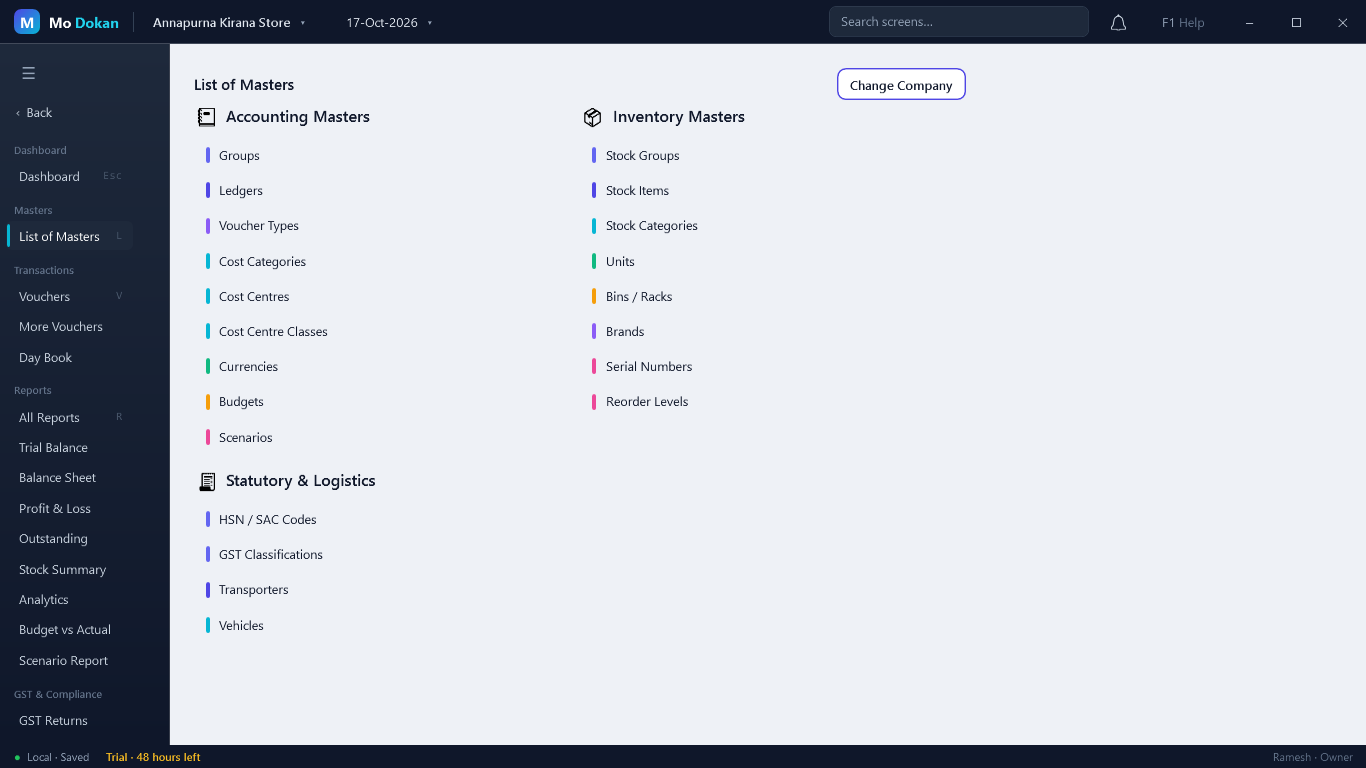
GST masters
| Master | For |
|---|---|
| HSN / SAC Codes | A list of HSN and SAC codes with descriptions and rates to pick from. |
| GST Classifications | Named sets of GST details (HSN, rate, taxability) to apply to many items or ledgers at once. |