Billing, stock, books and GST returns in one fast desktop app. Works fully offline, built for the keyboard, and your data never leaves your computer.
Get the setup from our download page — it is kept on Google Drive.
Run the setup. Windows asks once because the program is new — the install guide shows what to click.
Click Start 48-hour free trial, create your company and enter your first bill.
From the first bill of the day to the year-end balance sheet.
Sales and purchase invoices, receipts, payments, contra, journal, credit and debit notes, orders and delivery notes.
Godowns, batches, units and alternate units, reorder levels, stock journal and manufacturing with bill of materials.
GST invoices with HSN and tax split, GSTR-1 and GSTR-3B JSON for the portal, e-Invoice and e-Way Bill JSON files.
Balance Sheet, Profit & Loss, Trial Balance, Cash Flow, Ratio Analysis, Day Book, registers and stock summary — drill down to every voucher.
Bill-wise outstandings with ageing, credit limits, interest calculation and party ledgers.
Modern, classic and thermal invoice formats. Export any report to PDF, Excel, HTML, JSON or XML.
F-key navigation, Ctrl+A to save, create a missing ledger or item on the spot with Alt+C — no mouse needed.
Optional data password with full encryption, user roles, audit trail, period lock and automatic backups.
Turn on Web Access and open your reports in a browser on any phone or PC in the shop — read-only and password-protected.
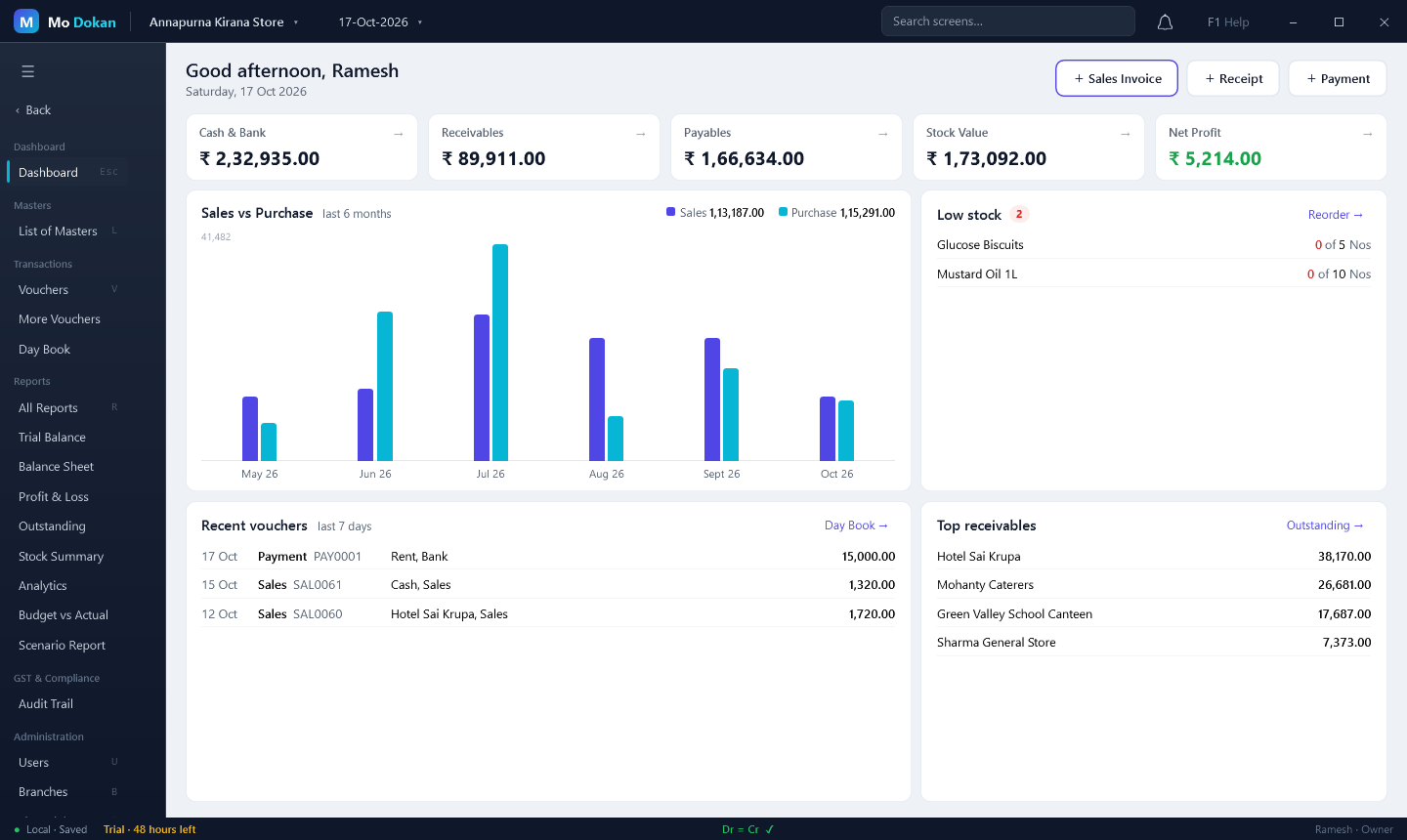
Real screens from Mo Dokan, with a sample grocery shop.
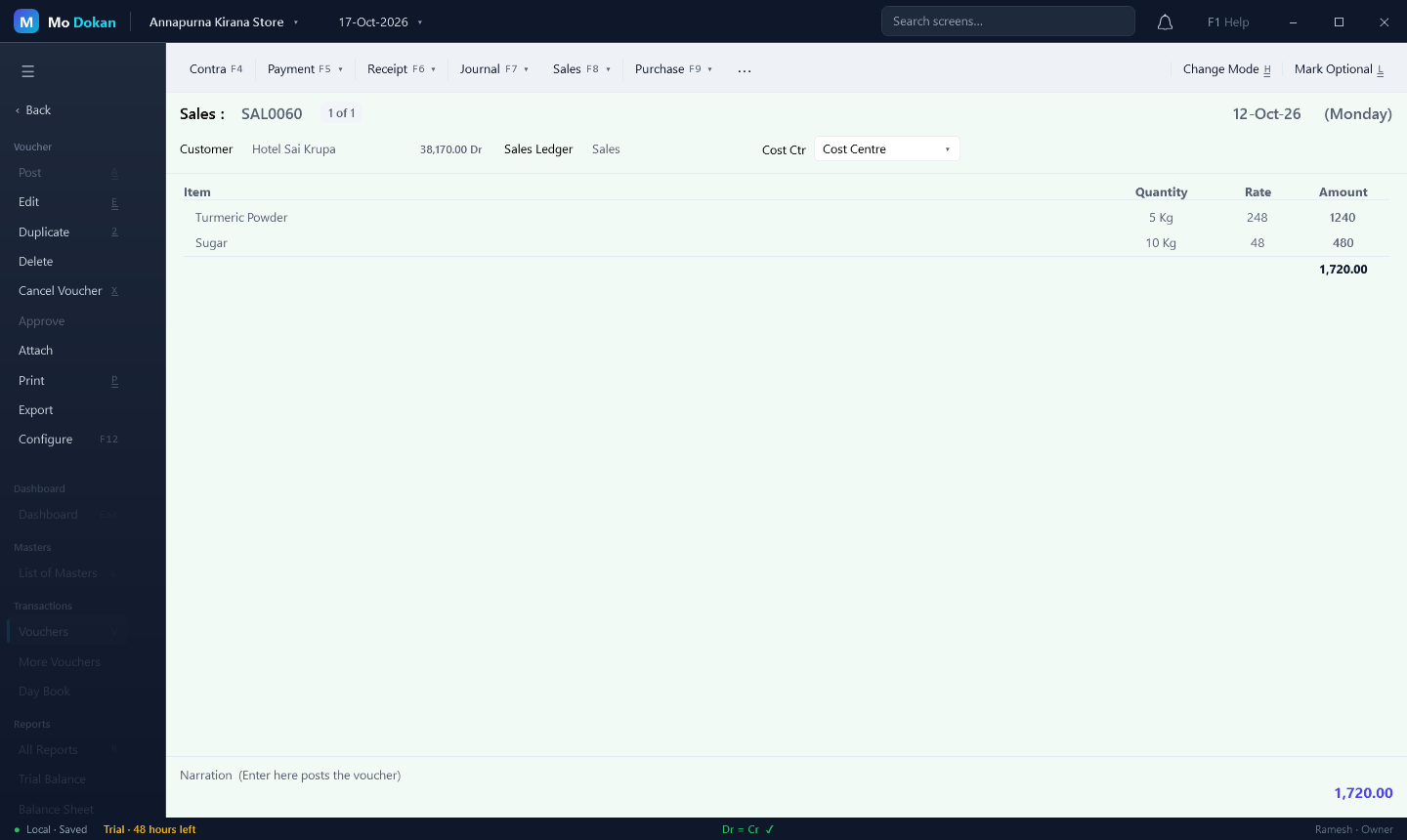
Pick the customer, type the items — quantity, rate and amount fill in as you go. The customer's balance shows while you bill.
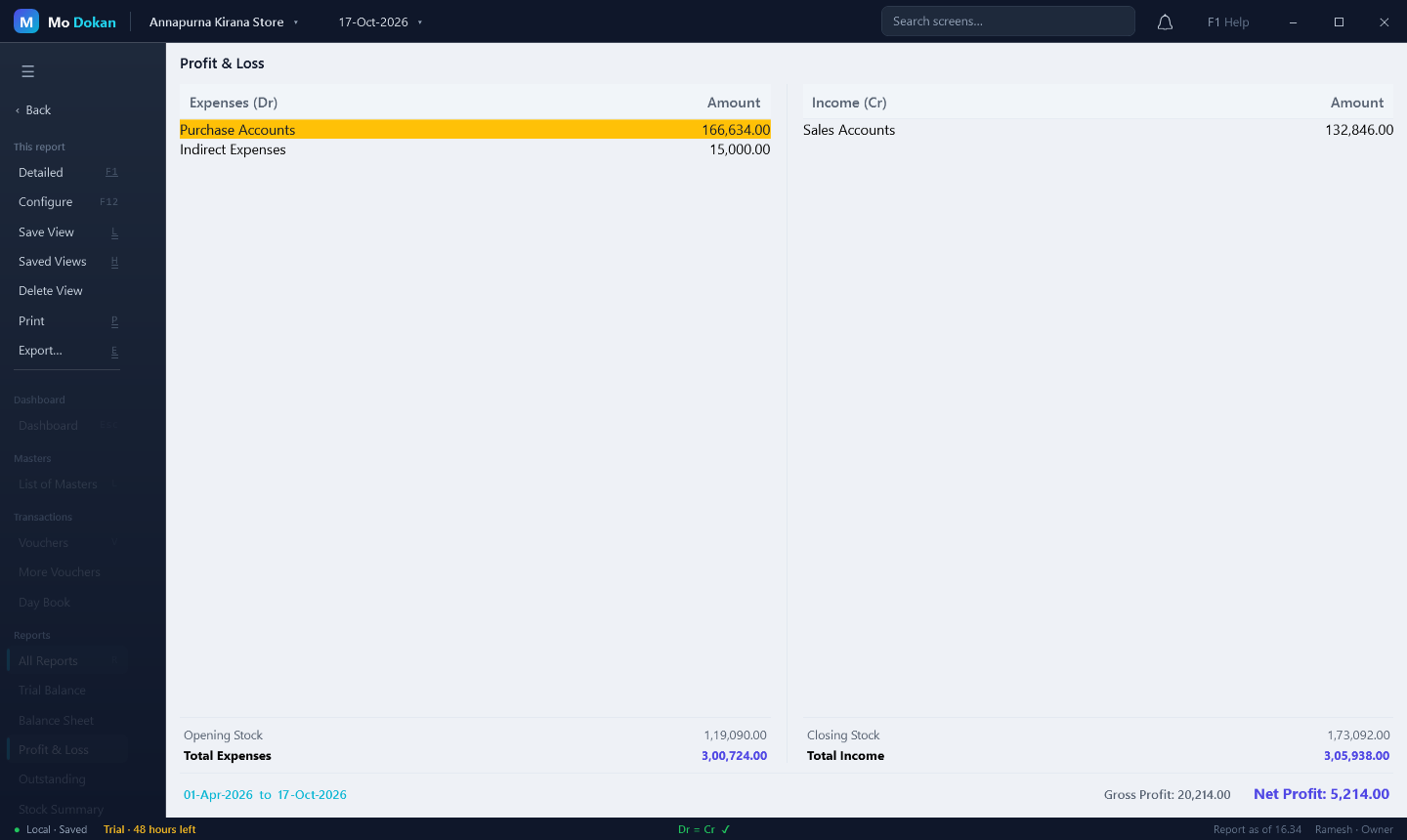
Every bill updates the books instantly. Switch between condensed and detailed views and drill into any figure.
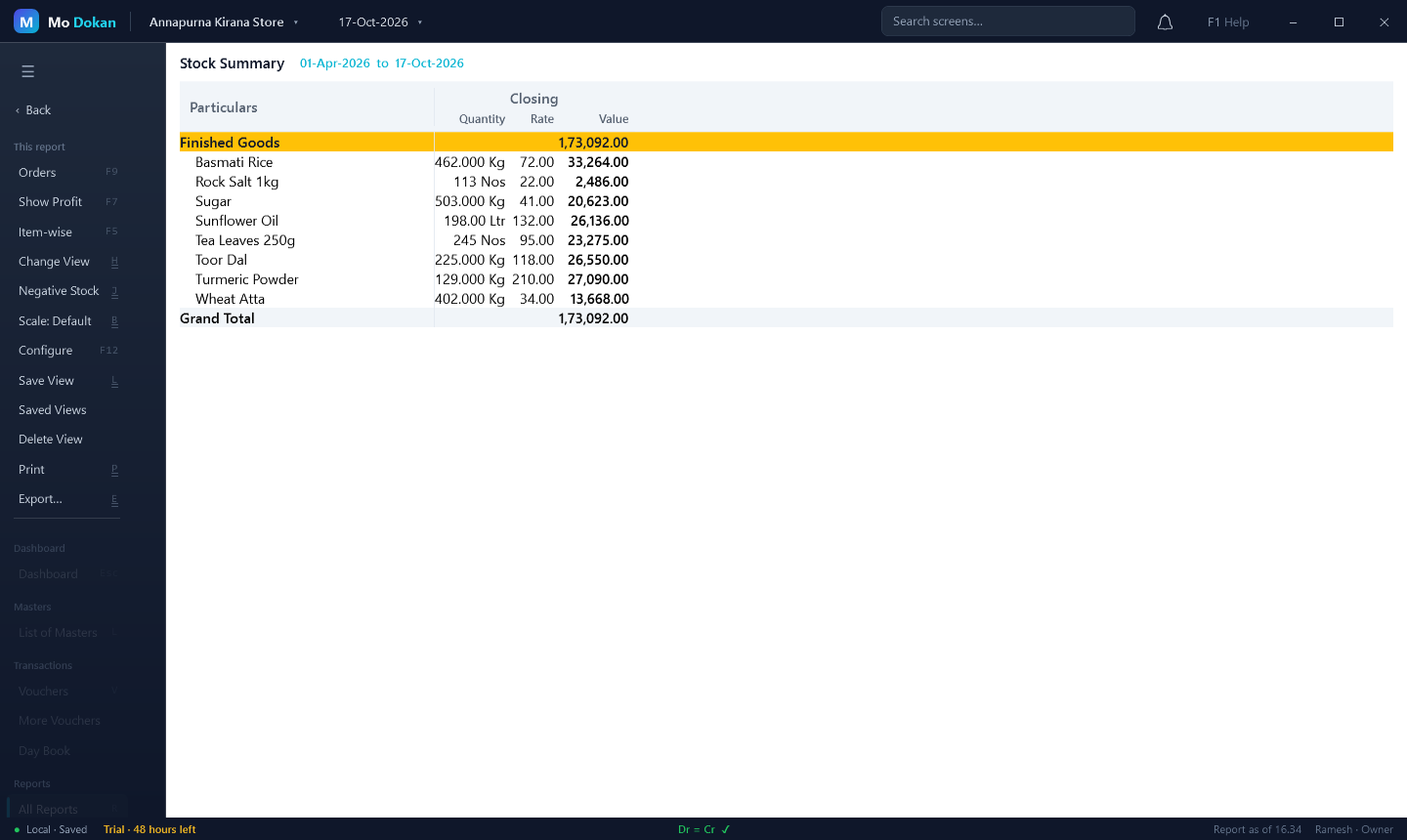
Quantity, rate and value for every item, grouped the way you organise your shop. Low-stock items show on the dashboard.
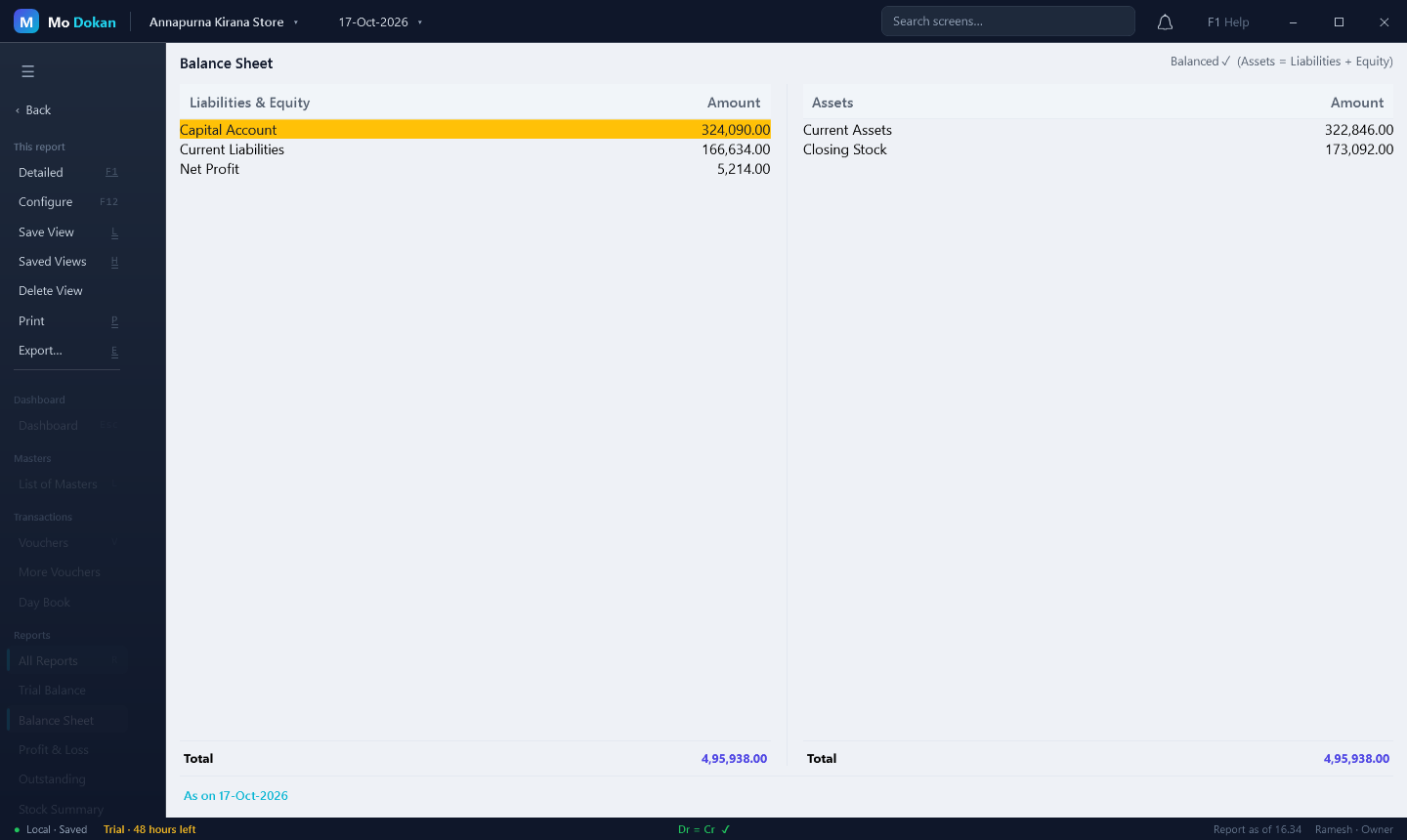
Assets always equal liabilities — Mo Dokan checks it for you and shows "Dr = Cr" in the status bar the whole time.
Mo Dokan keeps every company on your own PC. Nothing is uploaded anywhere.
A working backup every few hours, and a full check after a power cut.
Set a data password and the company file is fully encrypted on disk.
Owner, accountant, data entry and view-only users, with an audit trail of changes.
Try everything free for 48 hours. Then pick a plan — the licence works offline.
No. It runs fully offline on your computer. Internet is only needed to download it.
On your own PC, in your user folder (%LOCALAPPDATA%\MoDokan), with automatic backups. Uninstalling the app does not delete it.
Google only scans files smaller than 100 MB, and the Mo Dokan setup is a little bigger. Click Download anyway. To be sure the file is genuine, compare its fingerprint with the one on the download page.
Yes. Windows shows this for new programs from small publishers without a paid certificate. Click More info → Run anyway. You can check the file is genuine with its SHA-256 fingerprint — see the install guide.
In Mo Dokan, open Licence (or click the trial notice at the bottom of the window), choose a plan and click Send with Gmail — the email is written for you, with your computer's code. We email the licence file back; double-click it and Mo Dokan activates it.
Your companies stay safe and readable. To keep entering vouchers, activate a licence.
Download the new setup and run it. It replaces the program and keeps your companies and licence. Each company is backed up automatically before it is upgraded.
Windows 10 and Windows 11, 64-bit. About 500 MB of disk space.
Yes. Turn on Web Access in Mo Dokan and open the address it shows on any phone connected to the same Wi-Fi.
Ask for a demo, a price or help with setting up.
 Mo
Mo